

Input
A source face image and a target image. Multi-face swap also requires selecting face mappings after analysis.
Create single- or multi-face swaps with AI for creative projects, character experiments, and social content.
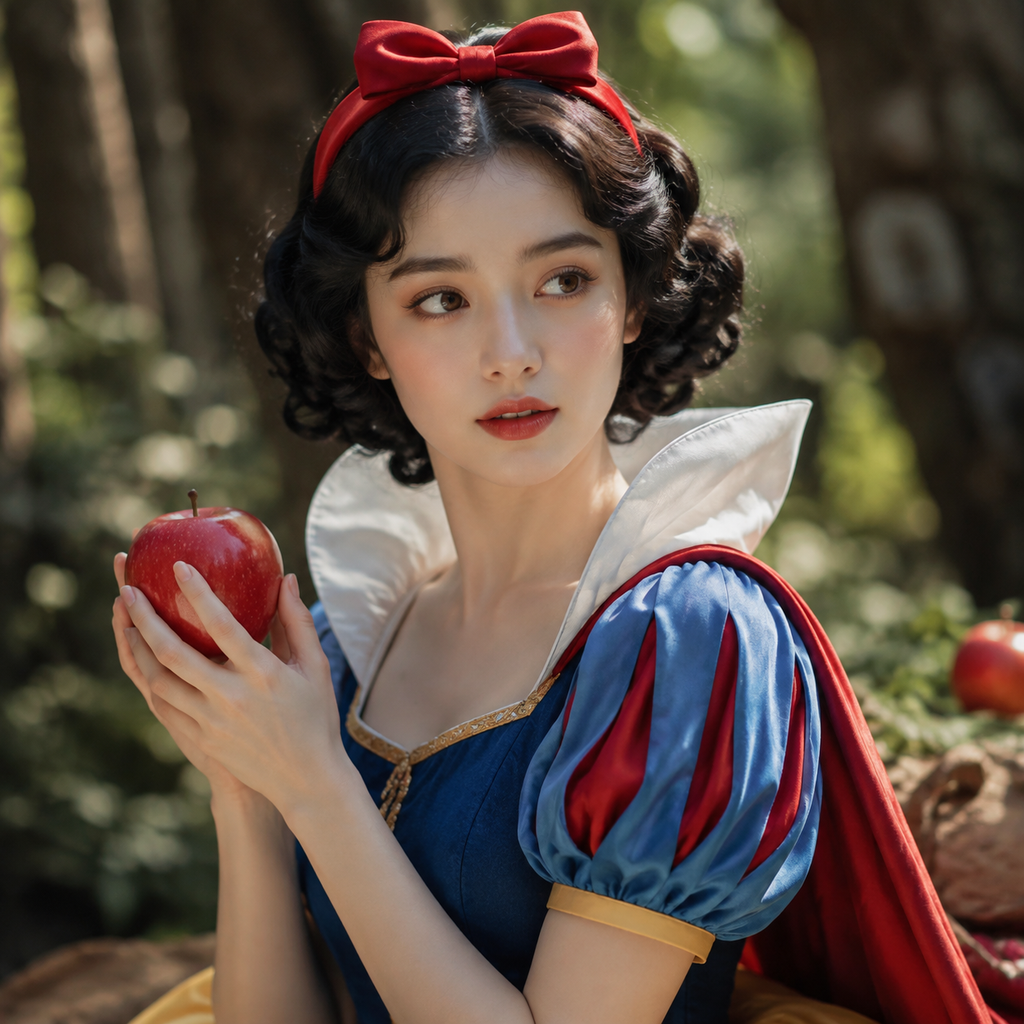
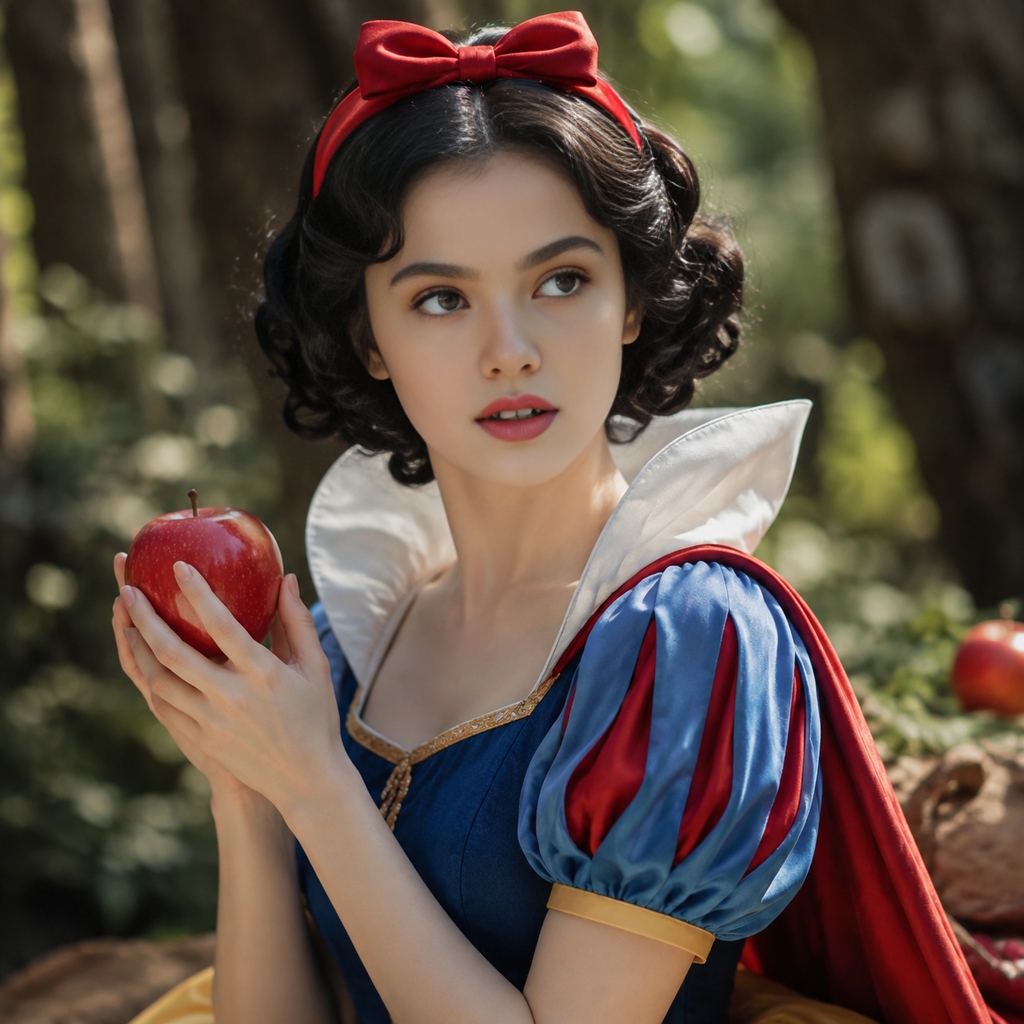
Sign in to continue in the face-swap workspace.
Single-face swap uses a source face and a target image. Multi-face swap analyzes the images first, then lets you define the face mappings.
A source face image and a target image. Multi-face swap also requires selecting face mappings after analysis.
Single- or multi-face swap results for authorized creative projects and character experiments.
Authorized character tests, creative concepts, social content, and multi-person image edits.
Choose a creative tool
Enter a prompt or upload reference images
Generate and keep refining your work
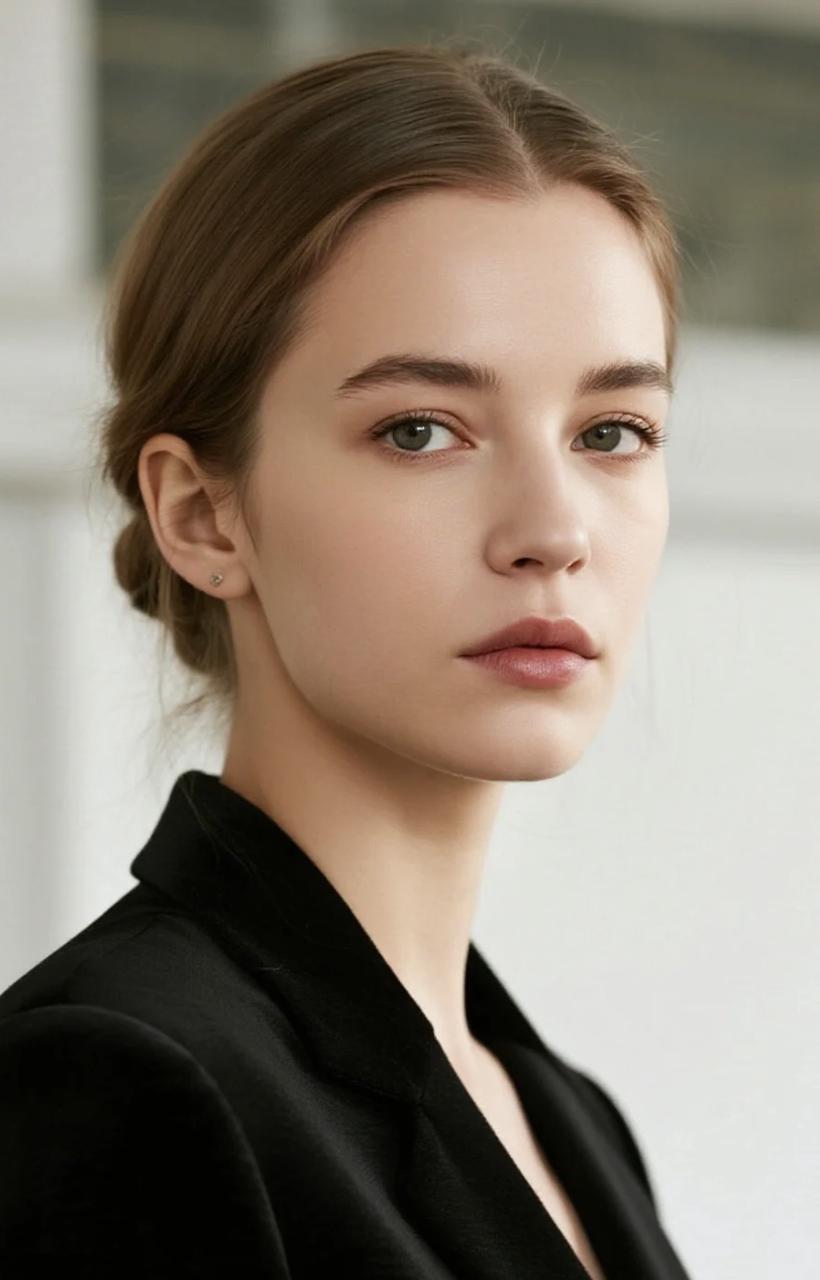
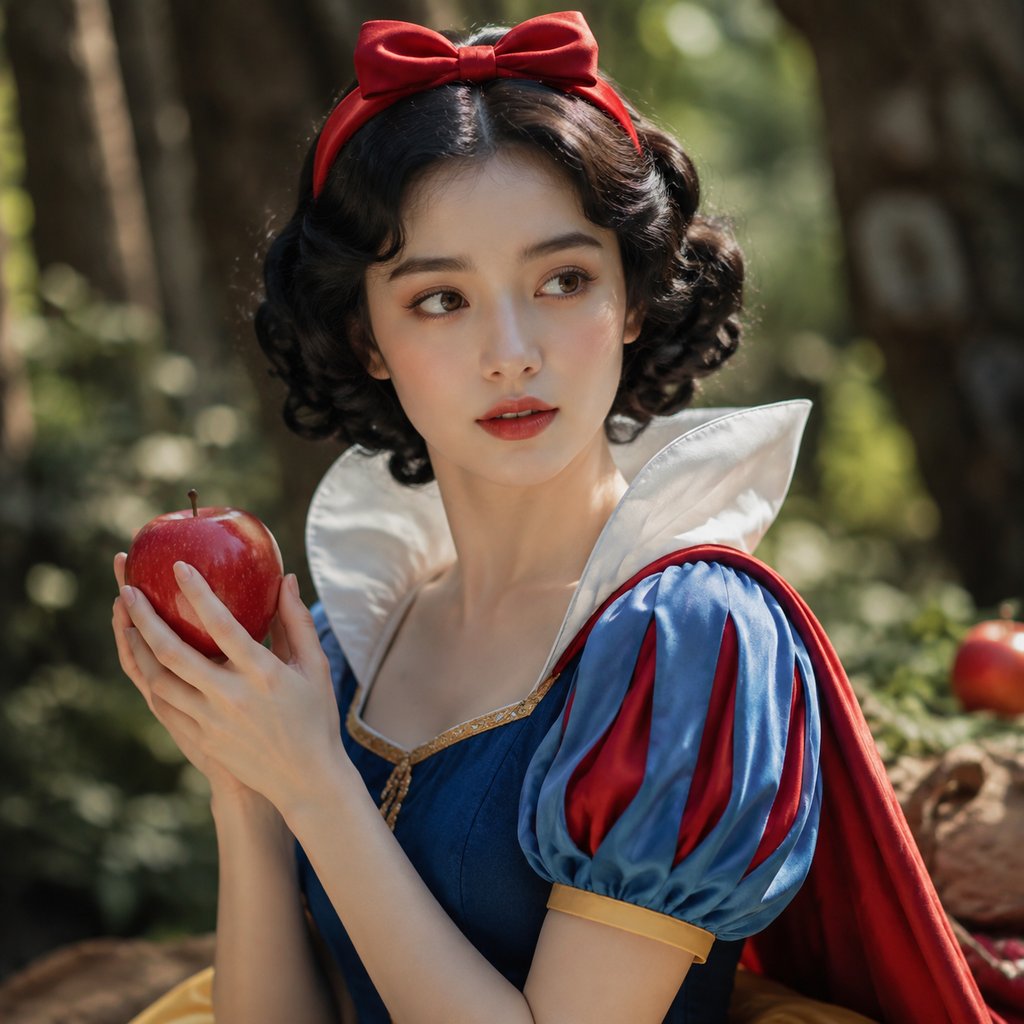
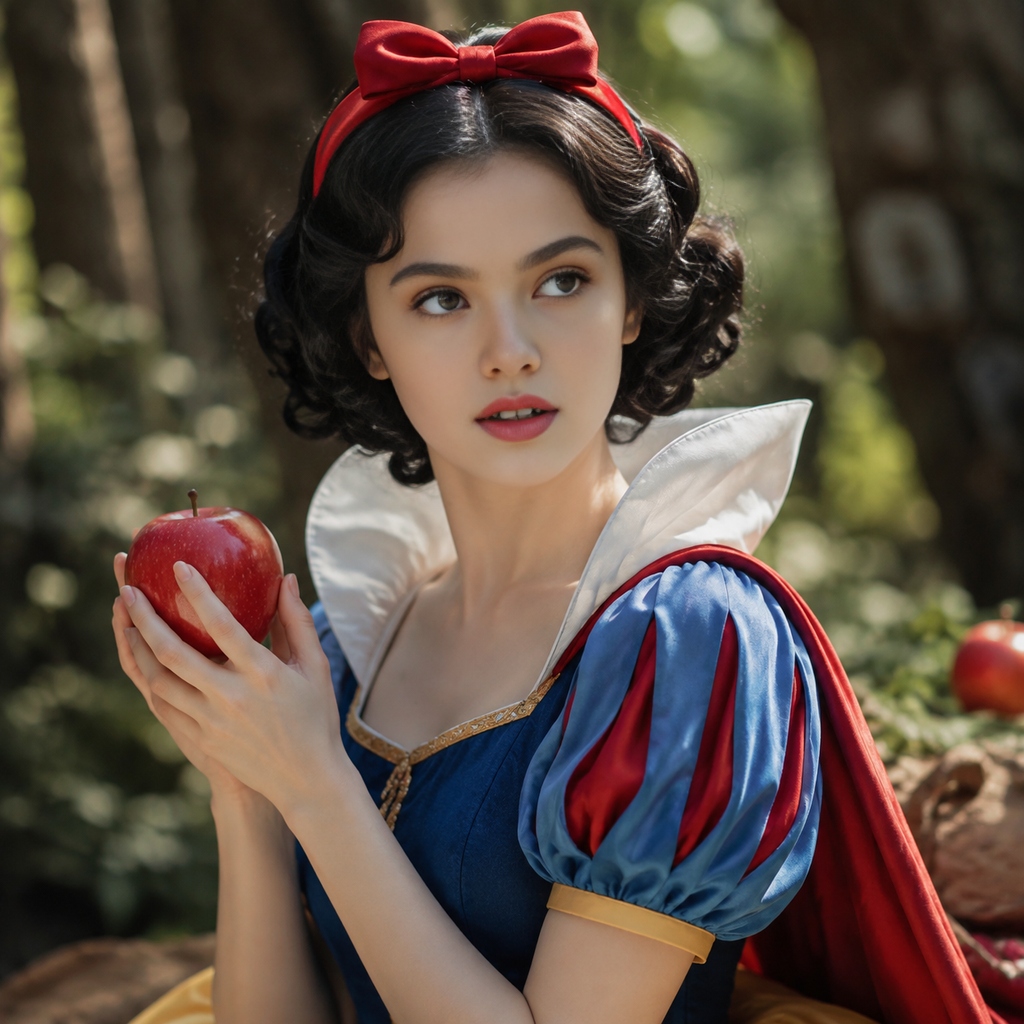
The current face-swap tool supports JPG, PNG, and WEBP, with a 10 MB limit per uploaded image.
Single-face swap submits a source face and target image directly. Multi-face swap analyzes faces first, then lets you select replacement mappings.
No. You should own or be authorized to use the image and obtain consent to use each person’s likeness for the intended face-swap use, while following applicable law.
Commercial use depends on image licenses, consent, third-party rights, and the applicable terms. Review those rights before using a result publicly or commercially.
Bring a prompt, a reference, or just an idea. TensorAI turns your first thought into something you can see.
Start creating for free